
MintHome App
Get the MintHome app
Book trained, background-checked professionals who bring the tools they need. Check your orders in the app and contact our support team after the visit.
- Choose a date and time
- Check your booking details
- Contact your professional or book again
- Professional training
- Background checks
- Tools provided
- After-service support
MintHome App
Book a visit. Check the details. Book again.
Choose your service and time, then find your booking and contact details in the app.
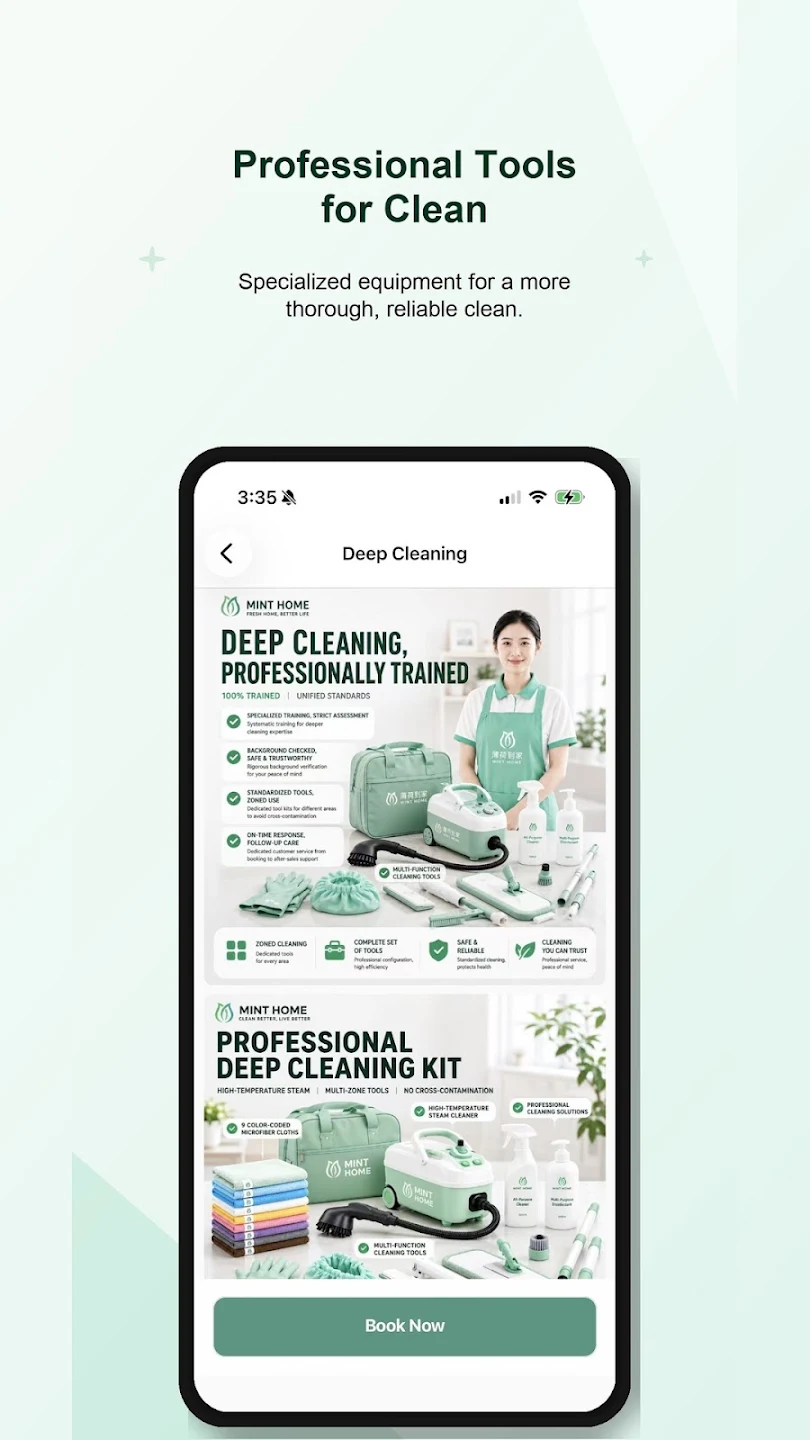
Not sure which service to choose?
See what is included before you book.
Browse services, read the details and check pricing. Contact our team if you need help with the scope or a special request.
- Read service details
- Check pricing before booking
Need a visit that fits your schedule?
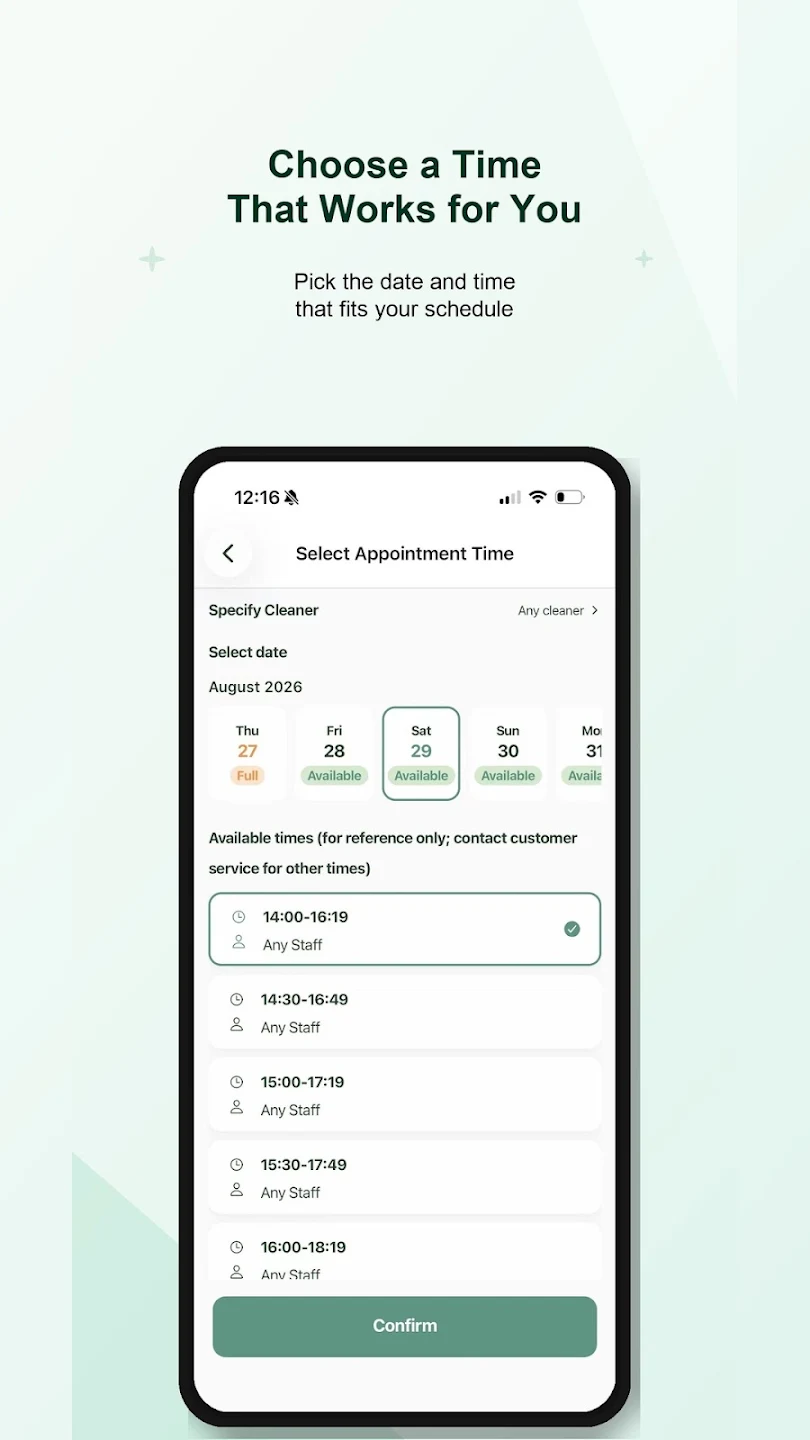
Choose your date and time.
View available dates and time slots, then send your request. Your booking confirmation sets the appointment.
- Choose a date and available time
- Review your booking details
Want to know what happens next?
Booking details and contact options, together.
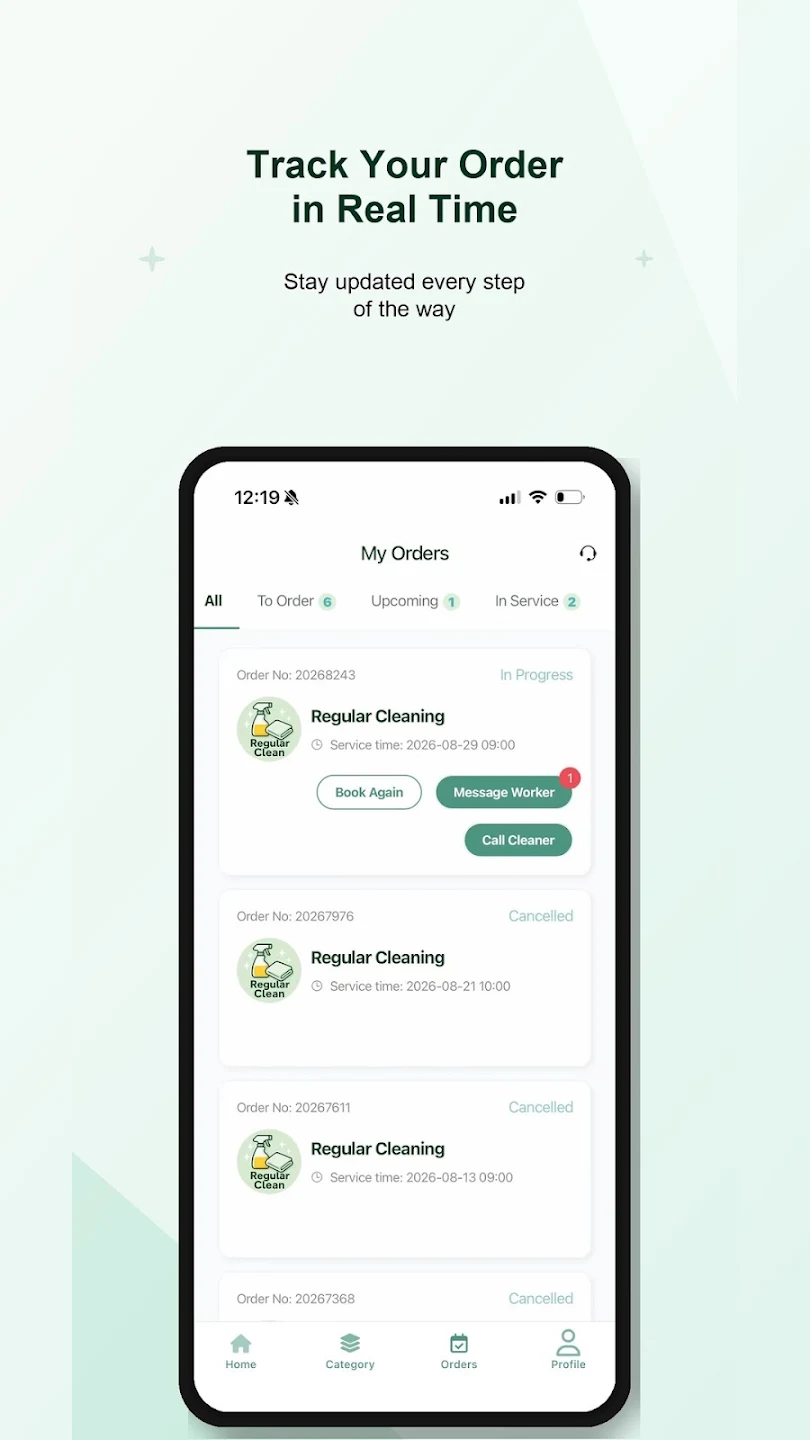
Check your booking details and service status in My Orders. Contact your service professional from the order, or use Book Again when you need another visit.
- See orders by status
- Contact your service professional
- Book a service again
Looking for an address, coupon or package?
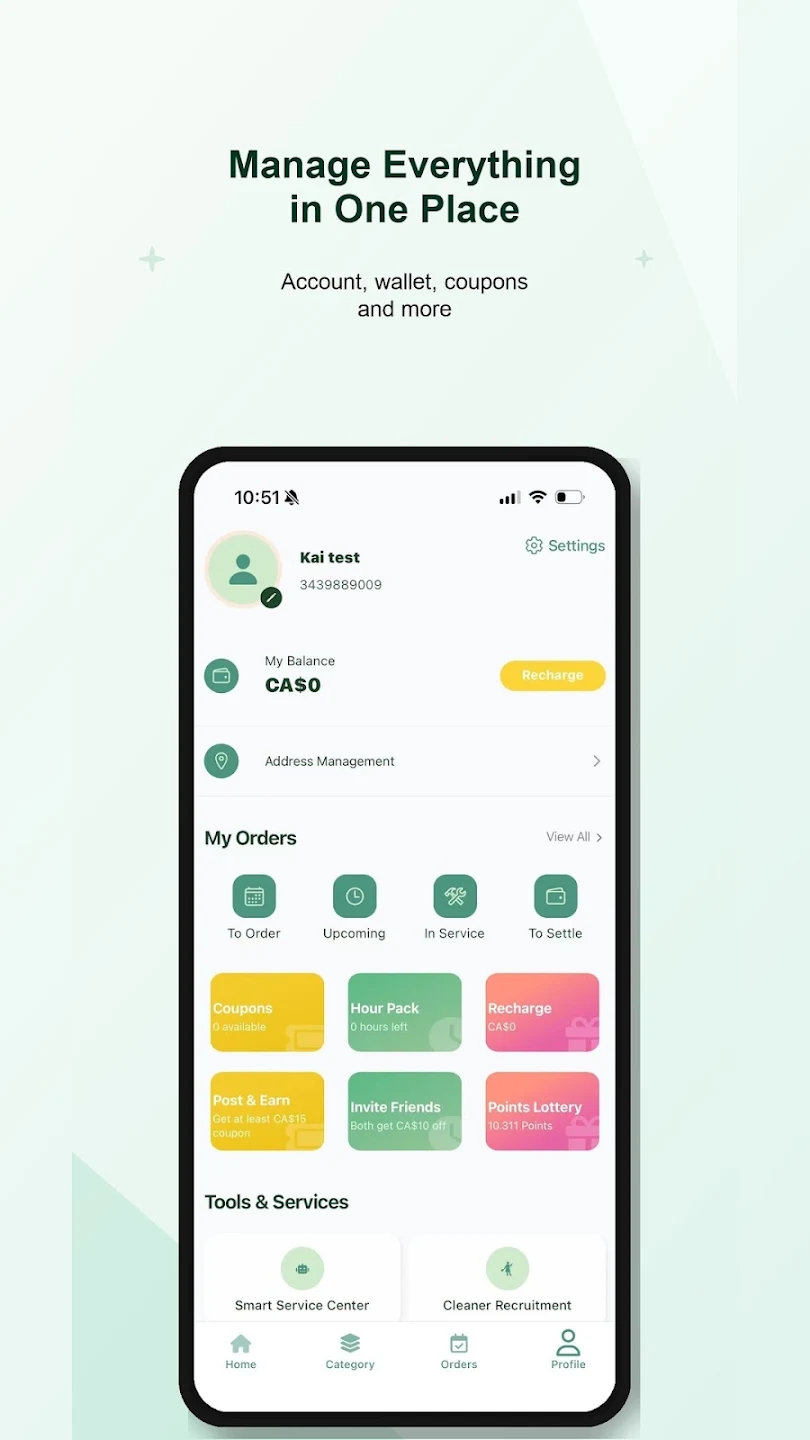
Keep the details in one place.
Manage addresses and view coupons, hour packages and order records in your profile. Terms for offers and packages are shown in the app.
- Manage service addresses
- View coupons and hour packages
MintHome app · English screens